Computer Networks

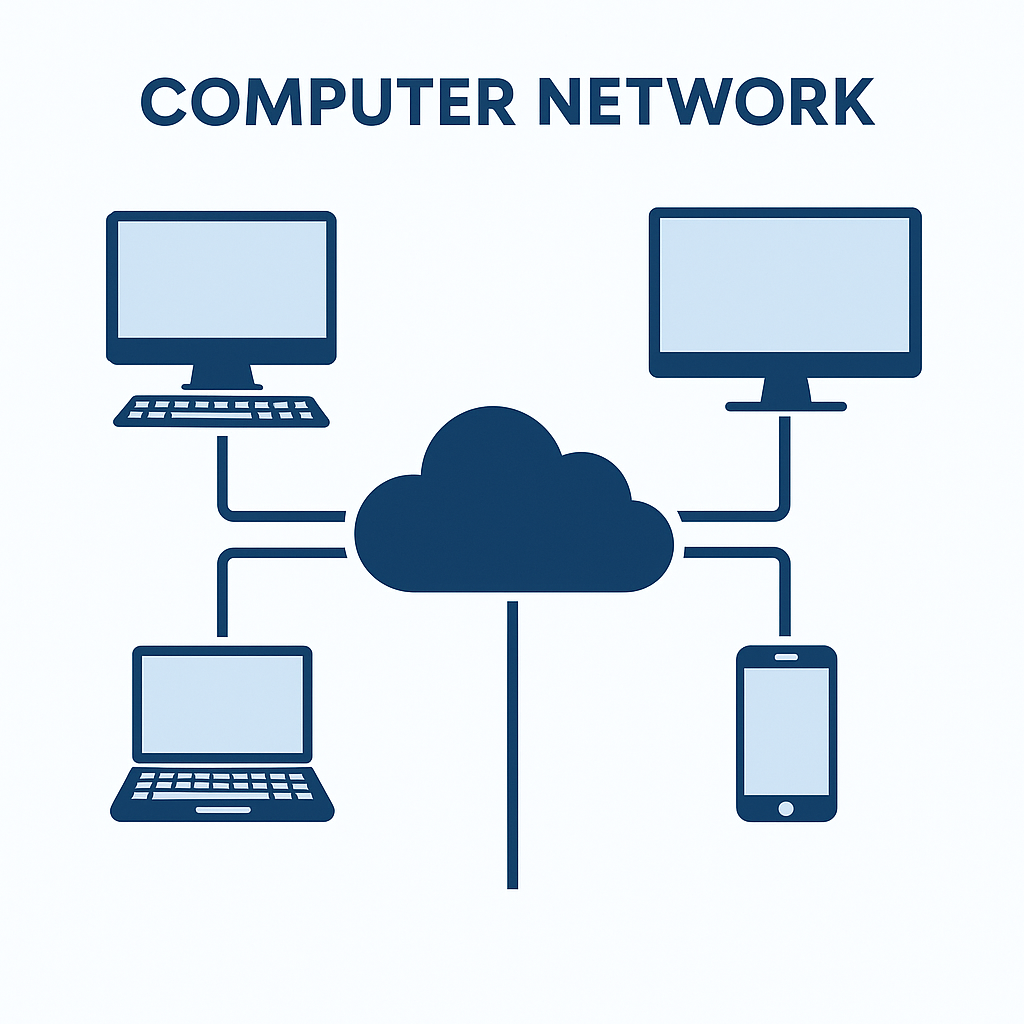
1. What is a Computer Network?

computer network.png

A computer network is a group of two or more computers connected together to share:

  • Data
  • Resources
  • Internet
  • Applications

Example: Wi-Fi at home, Ofiice LAN, Mobile Hotspot, Internet.

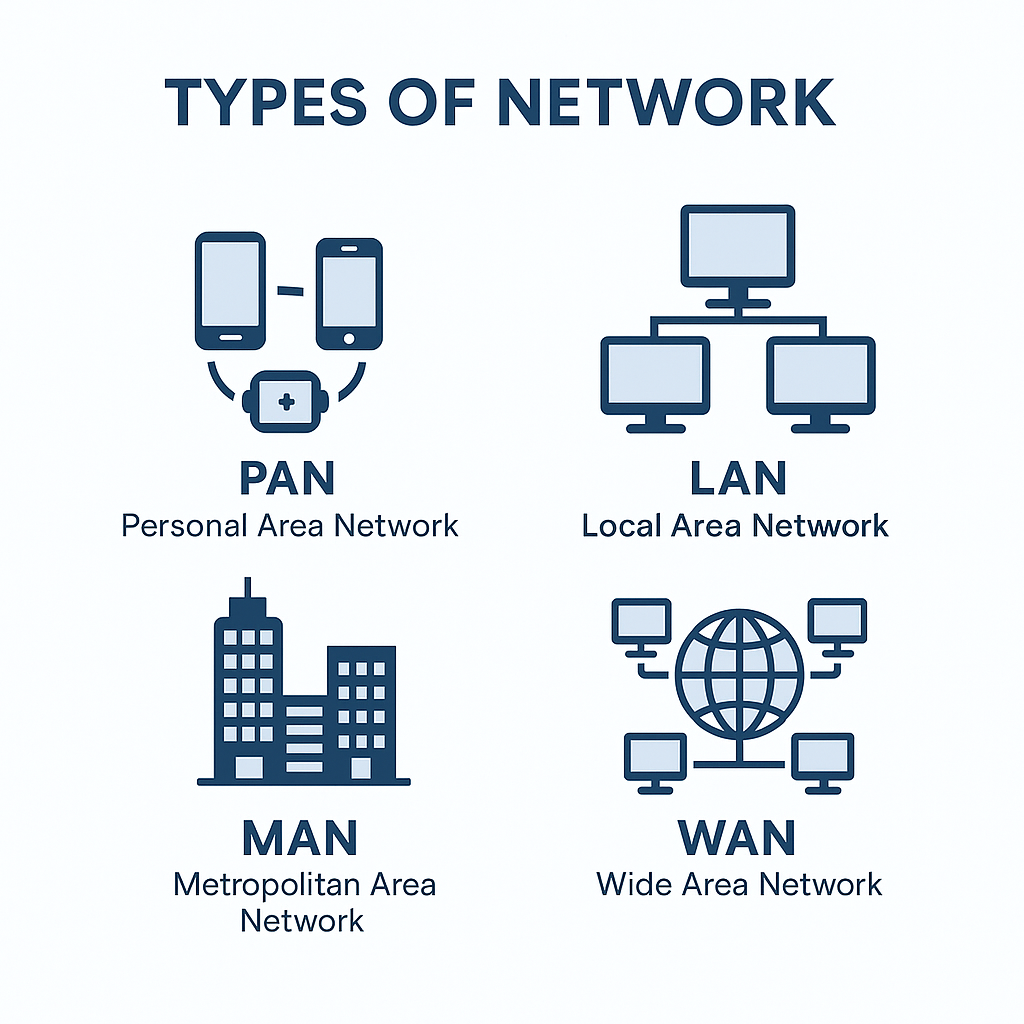
2. Types of Networks

types of network.png
  1. PAN (Personal Area Network)
    • Very small range
    • Used around one person
    • Example: Bluetooth, Hotspot, Smartwatch
  2. LAN (Local Area Network)
    • For small areas like home, office, school
    • High Speed
    • Example: Computer lab network
  3. MAN (Metropolitan Area Network)
    • Covers a city
    • Example: Cable TV network
  4. WAN (Wide Area Network)
    • Covers large areas like countries
    • Example: Internet (largest WAN)

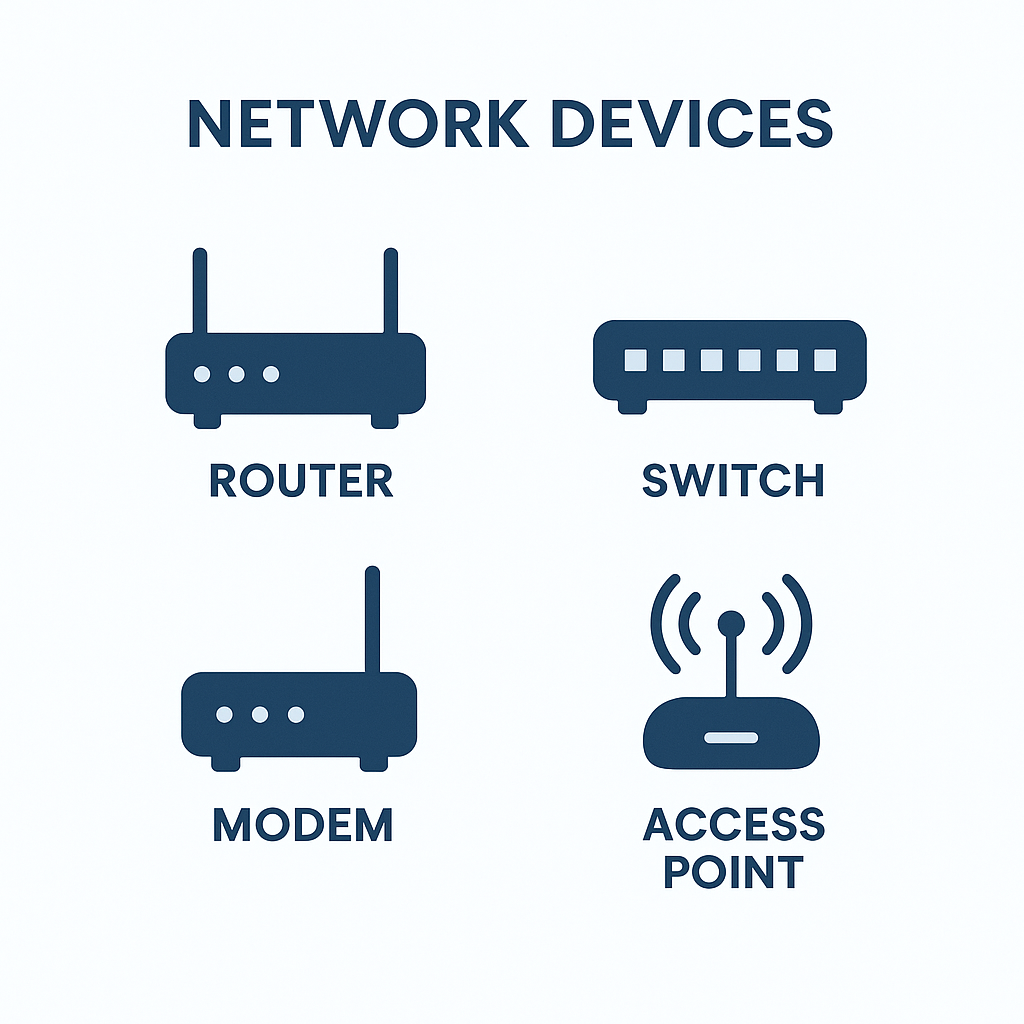
3. Network Devices (Very Important)

network devices.png
  1. Hub
    • Broadcasts data to all devices
    • No security
    • Old technology
  2. Switch
    • Sends data only to the correct device
    • Faster and secure
    • Used in modern offices
  3. Router
    • Connects different networks
    • Used for Wi-Fi at home
    • Routes data to the best path
  4. Modem
    • Converts diital to analog signals
    • Needed for internet connection
  5. Repeater
    • Boosts weak signals
    • Used to extend Wi-Fi range
  6. Access Pont
    • Provides wireless connection in large areas (schools, hotels)
'

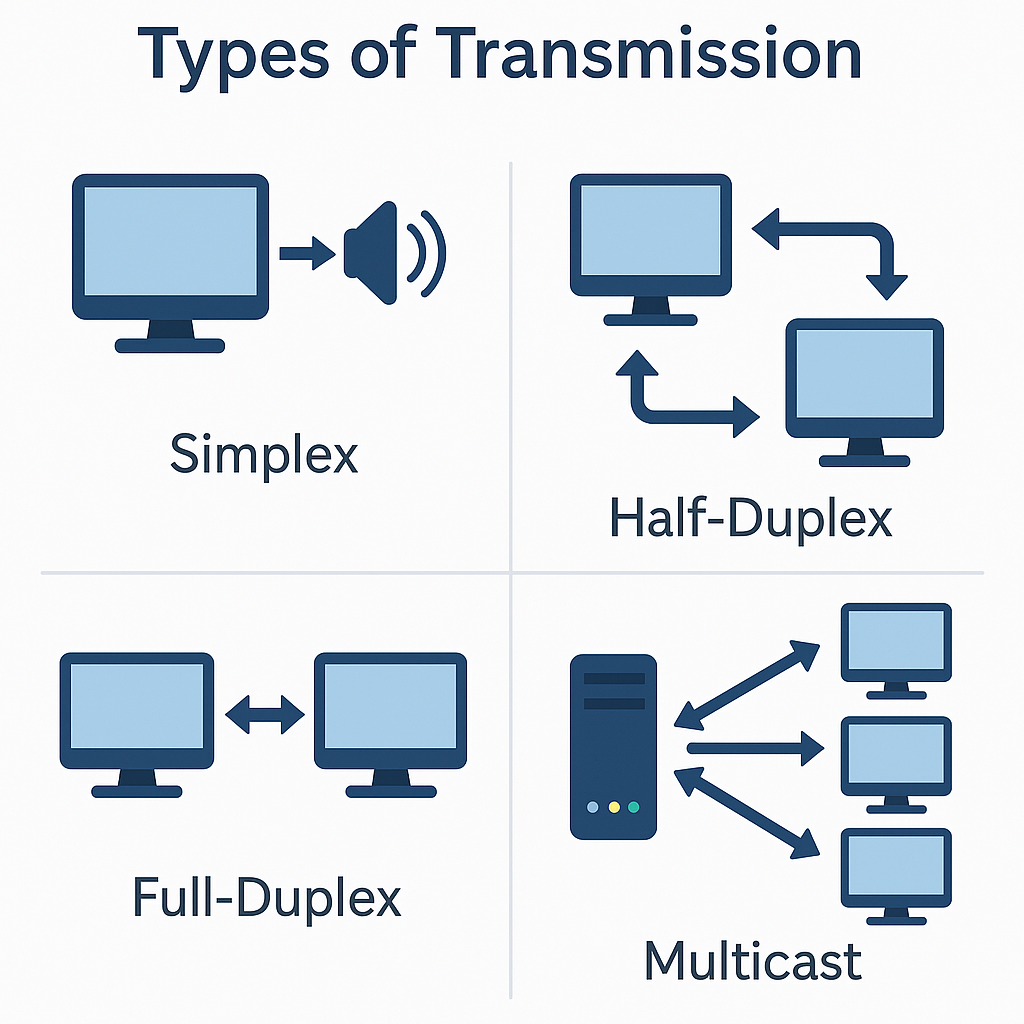
4. Types of Transmission (Data Flow)

types of transmission.png
  1. Simplex
    • One-way communication
    • Example: Television
  2. Half-Duplex
    • Two-way but one at a time
    • Example: Walkie-Talkie
  3. Full-Duplex
    • Two-way at the same time
    • Example: Phone-call

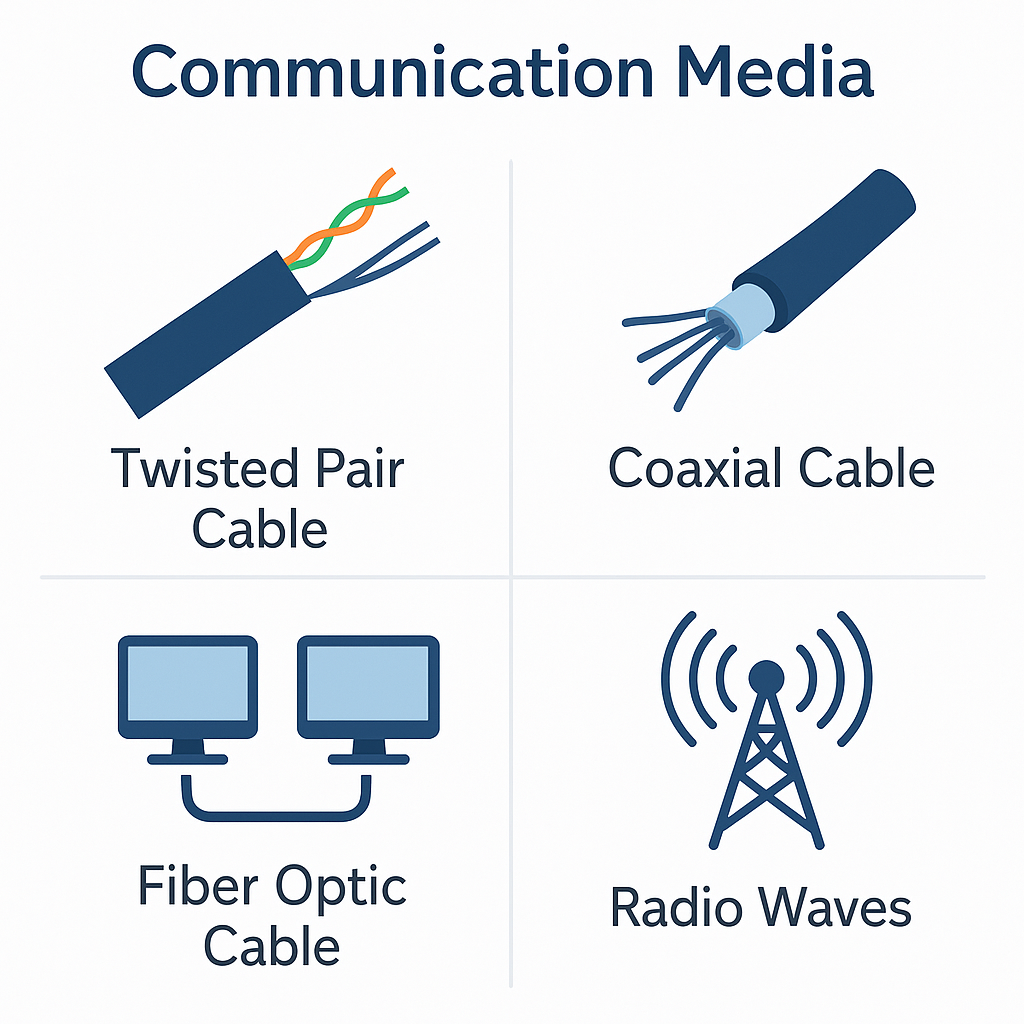
5. Communication Media

communication media.png
  1. Wired (Guided Media)

    1. Twisted Pair Cable - cheap, used in LAN
    2. Coaxial Cable - cable TV
    3. Fiber Optic Cable - very fast, uses light, no interference
  2. wireless (Unguided Media)

    • Radio Waves
    • Microwaves
    • Infrared
    • Satellite

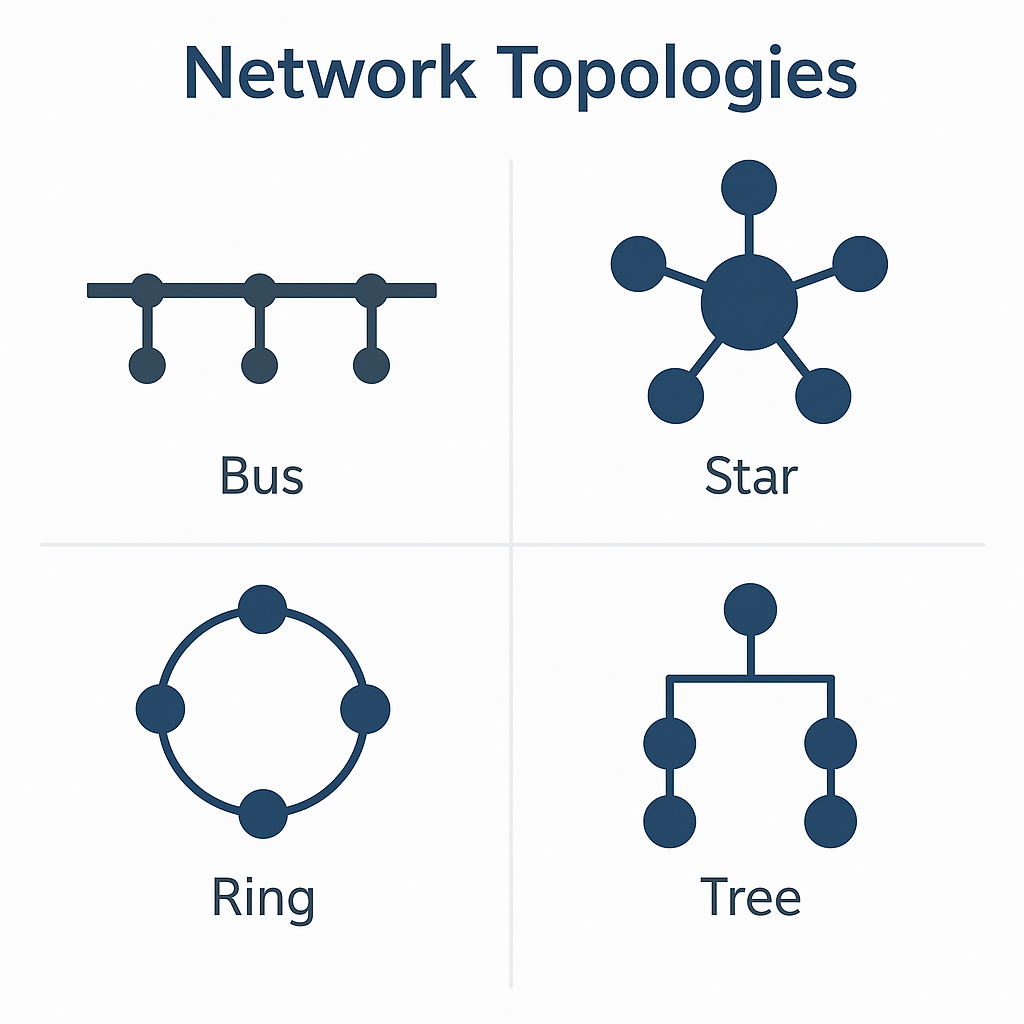
6. Network Topologies

network topologies.png
  1. Bus Topology
    • Single cnetral cable
    • Cheap but slow
  2. Star Topology (Most Common)
    • All devices connected to a Switch
    • Fast and reliable
  3. Ring Topology
    • Circular connection
    • If one fails, entire network fails
  4. Mesh Topology
    • Every device connects to every device
    • Very reliable but expensive

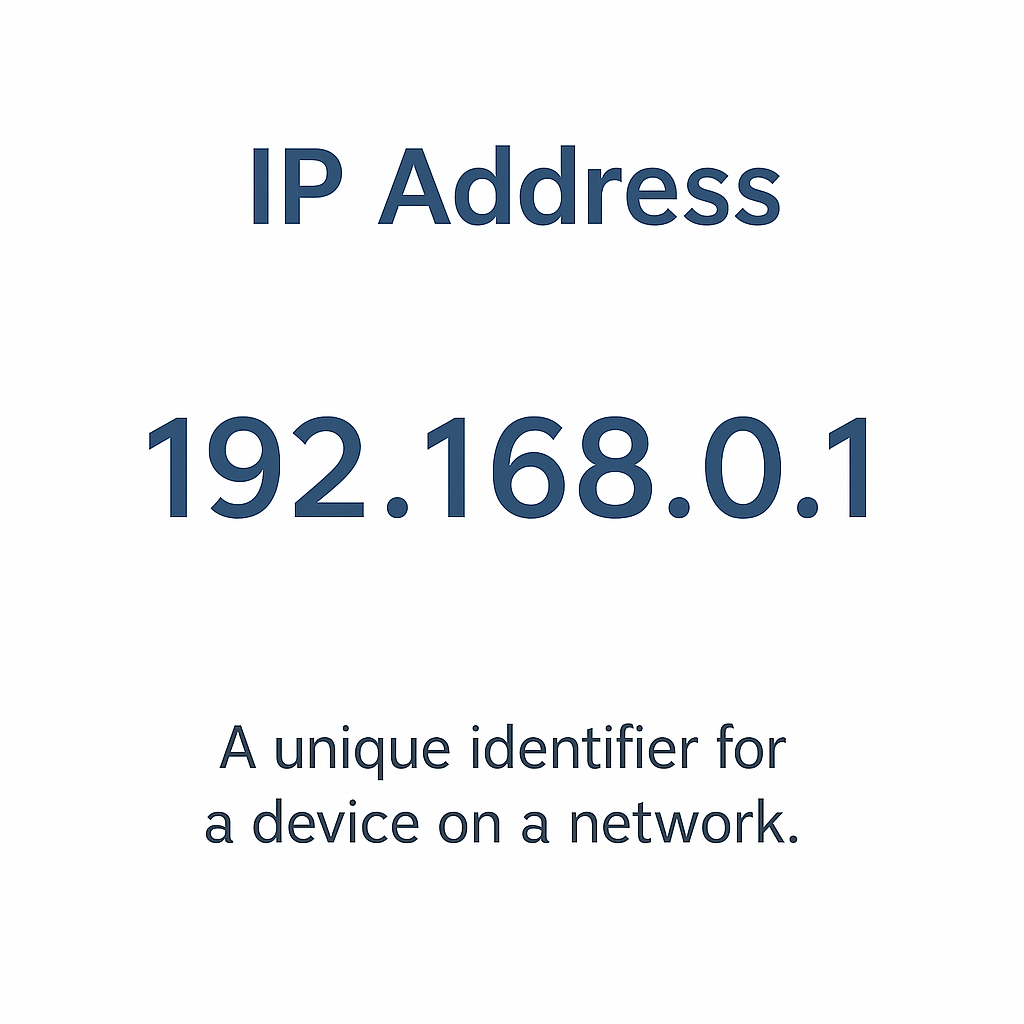
7. IP Address (Important)

ip address.png

An IP address is the unique address of a device connected to a network
Example: 192.168.1.1
Types:

  • IPv4 (32-bit) - old but widely used
  • IPv6 (128-bit) - new, more addresses

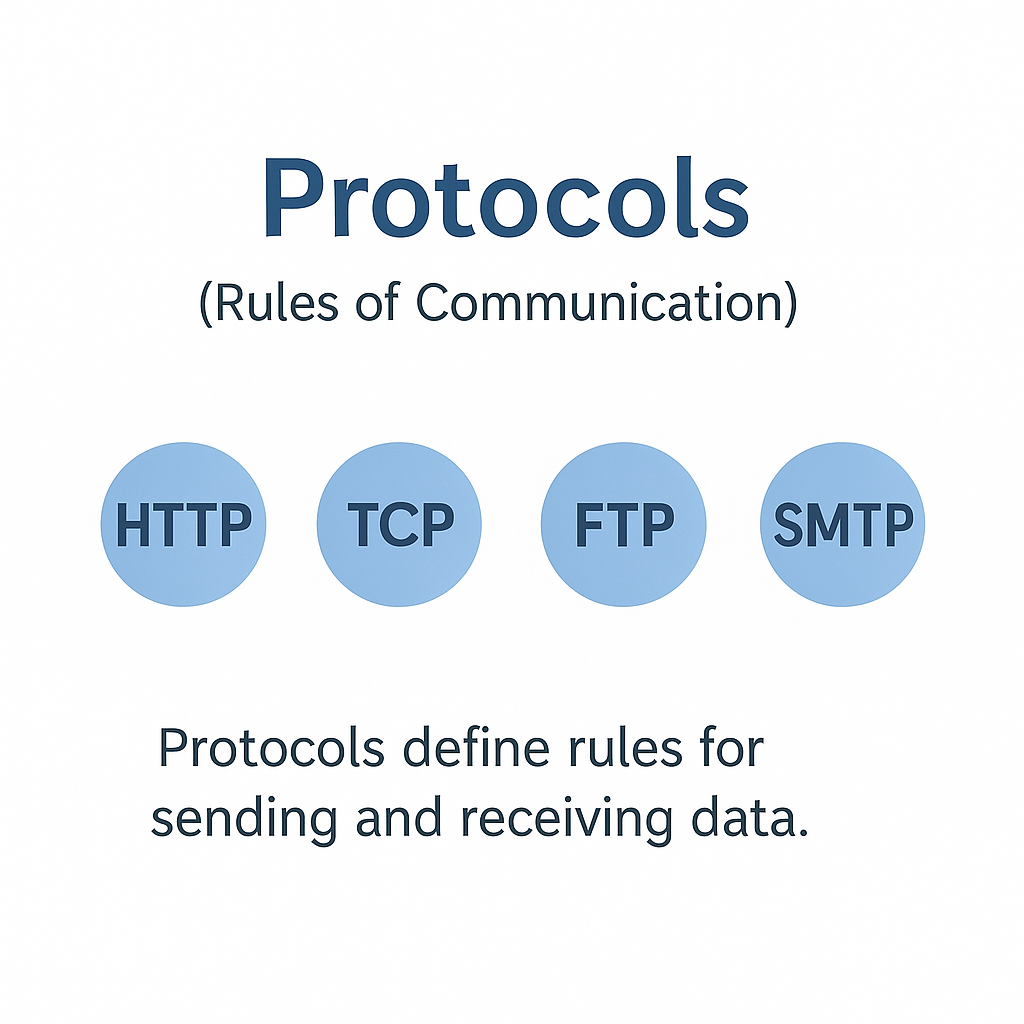
8. Protocols (Rules of Communication)

protocols.png

Very Important Protocols

  • HTTP - Web browsing
  • HTTPS - Secure browsing
  • FTP - File transfer
  • SMTP - Sending email
  • POP3/IMAP - Receiving email
  • TCP/IP - Foundation of the internet
  • DNS - Converts website name to IP address

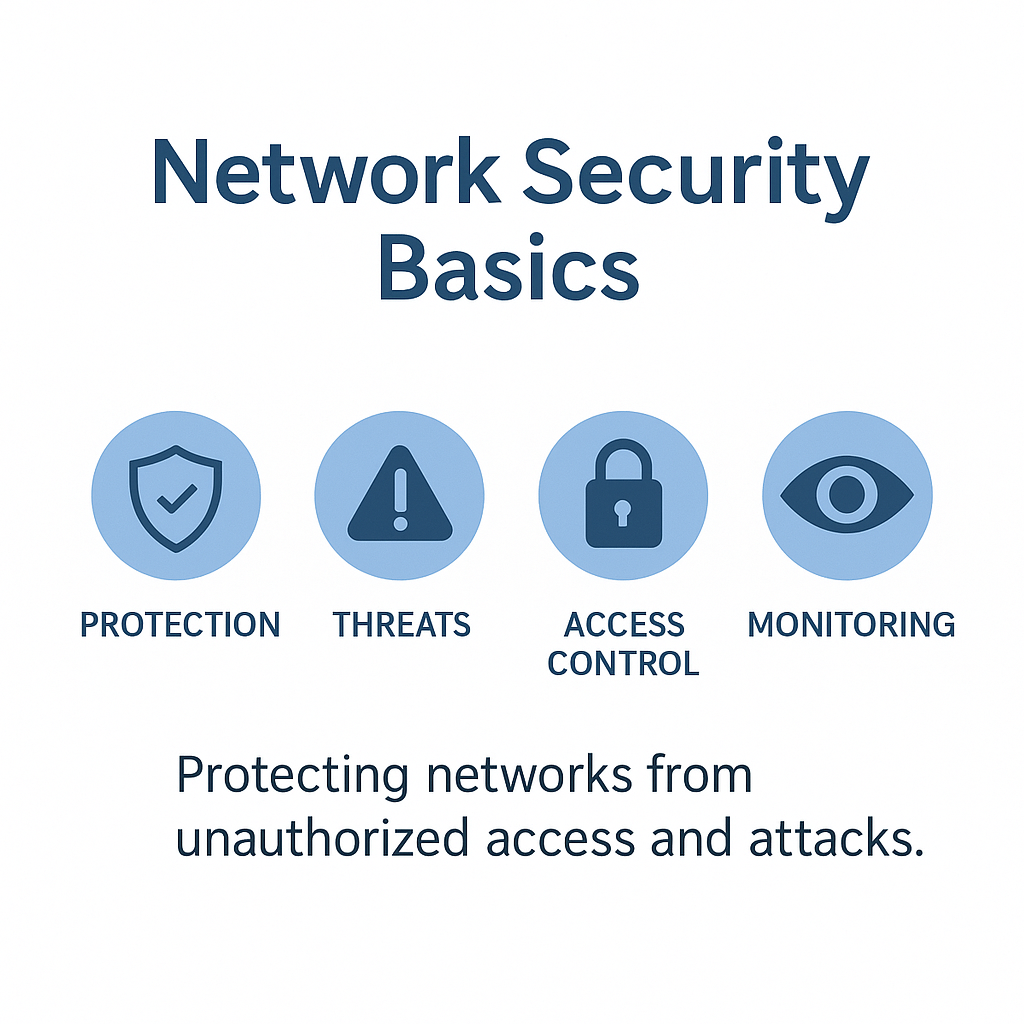
9. Network Security Basics

network security basics.png

Threats:

  • Virus
  • Malware
  • Phishing
  • Unauthorized access

Protection

  • Firewall
  • Antivirus
  • Strong passwords
  • Encryption
  • Do not open unkown links

10. Important JOA-IT Short Questions

Q1. Full form of LAN Local Area Network Q2. Which device connects two networks? Router Q3. Which cable is fastest? Fiber Optic Q4. Which topology is most common Star topology Q5. Which protocol sends email? SMTP Q6. Which one is secure-HTTP or HTTPS? HTTPS Q7. Full form of IP? Internet Protocol